(the front-end is accessible here: https://github.com/dimitrovakulenko/IfcFileToGraphApp)
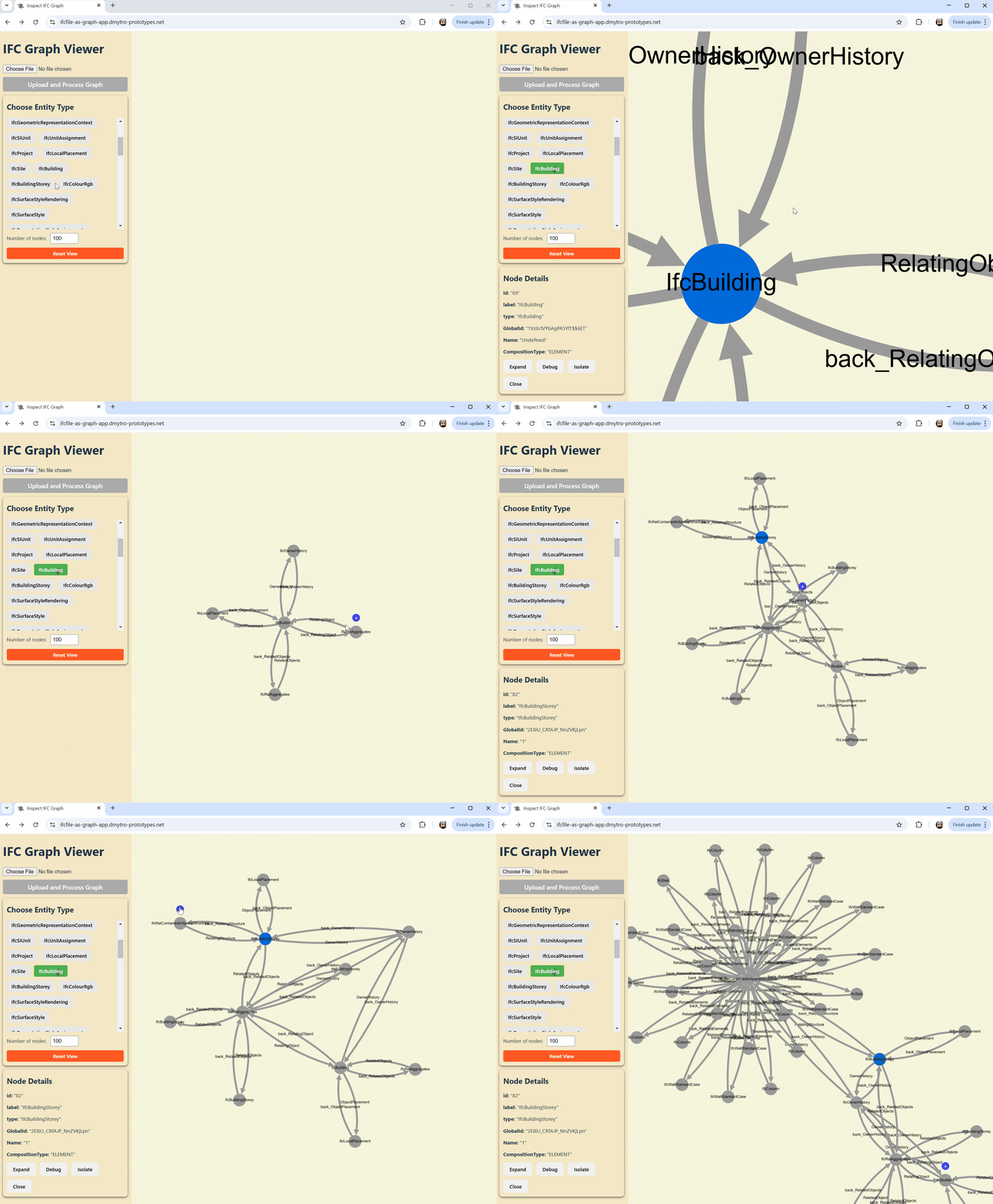
ifcfile-to-graph is an Azure Functions–based backend that processes Industry Foundation Classes (IFC) files and converts them into a JSON graph representation. The graph includes nodes for IFC entities and edges for relationships between them.
The core logic is implemented in the process_to_graph.py script which uses the IfcOpenShell library (https://ifcopenshell.org/).
-
Clone the Repository:
git clone https://github.com/yourusername/ifcfile-to-graph.git cd ifcfile-to-graph
-
Create a Virtual Environment and Install Dependencies:
python -m venv venv source venv/bin/activate # Linux/macOS venv\Scripts\activate # Windows pip install -r requirements.txt
-
(optional) Download and Extract IfcOpenShell (Manual Step):
You might need to download latest ifc libraries, here for example: https://ifcopenshell.org/downloads.html
-
Run Locally:
Use the Azure Functions Core Tools to run the function locally:
func start
Your endpoints (such as /api/upload and /api/health) should now be accessible (default port: 7071).
This project is configured to deploy to Azure Functions using GitHub Actions. The workflow .github/workflows/main_ifcfile-to-graph.yml deploys new version to Azure. The workflow file is generated automatically during Azure Function setup pointing to this repo. One step was added to the default workflow - "Download and extract IfcOpenShell" - it add ifcopenshell libraries.
A Dockerfile is provided for container-based deployments on Azure Functions. This Dockerfile builds an image that includes the Azure Functions runtime along with your code and IfcOpenShell. To build and run locally:
docker build -t ifcfile-to-graph:latest . docker run -p 7071:80 ifcfile-to-graph:latest
Then test your endpoints via http://localhost:7071/api/upload and http://localhost:7071/api/health.
-
/api/health: A simple health-check endpoint.
-
/api/upload: Accepts a multipart/form-data file upload (field name: file). Processes the IFC file, converts it to a graph, and returns the JSON representation.
MIT License.